SCAN IT · CLEAN IT · SEND IT
Paper in.
Searchable PDF out.
HyperScanner finds the page, takes it the moment it holds still, straightens it and cleans it up, then makes a PDF you can search — all on your iPhone.
How it works
-
Scan it
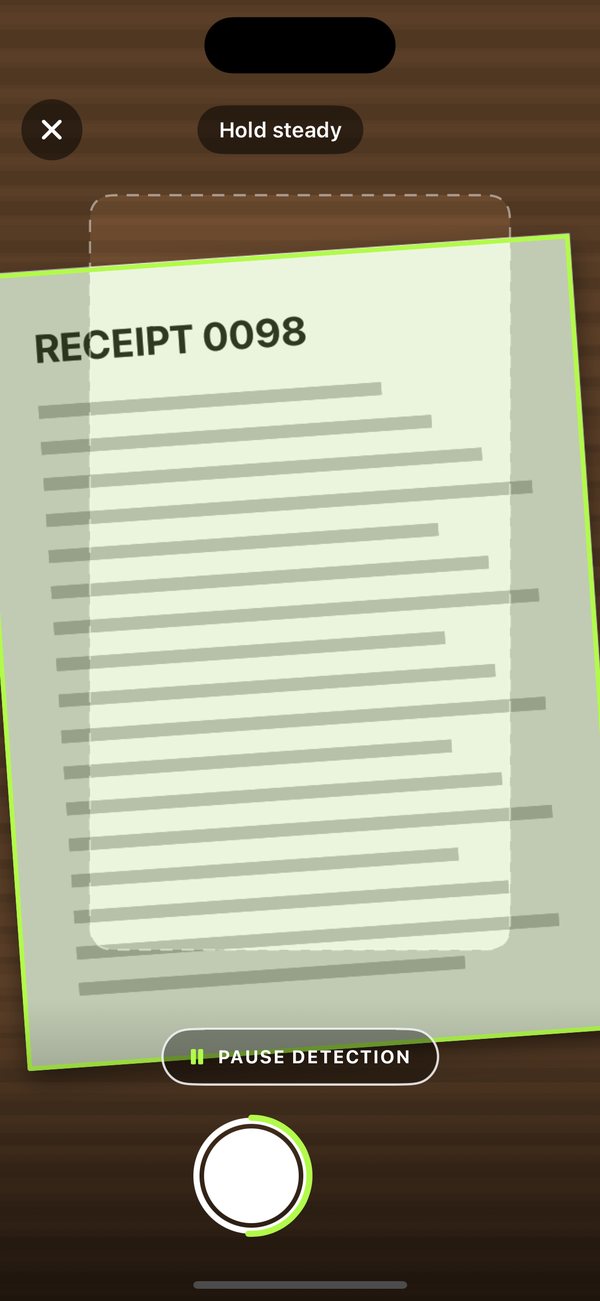
Hold your iPhone over the page. HyperScanner outlines it in lime and takes it once it holds still, then waits for the next one. Prefer to frame it yourself? Pause detection and use the shutter.
-
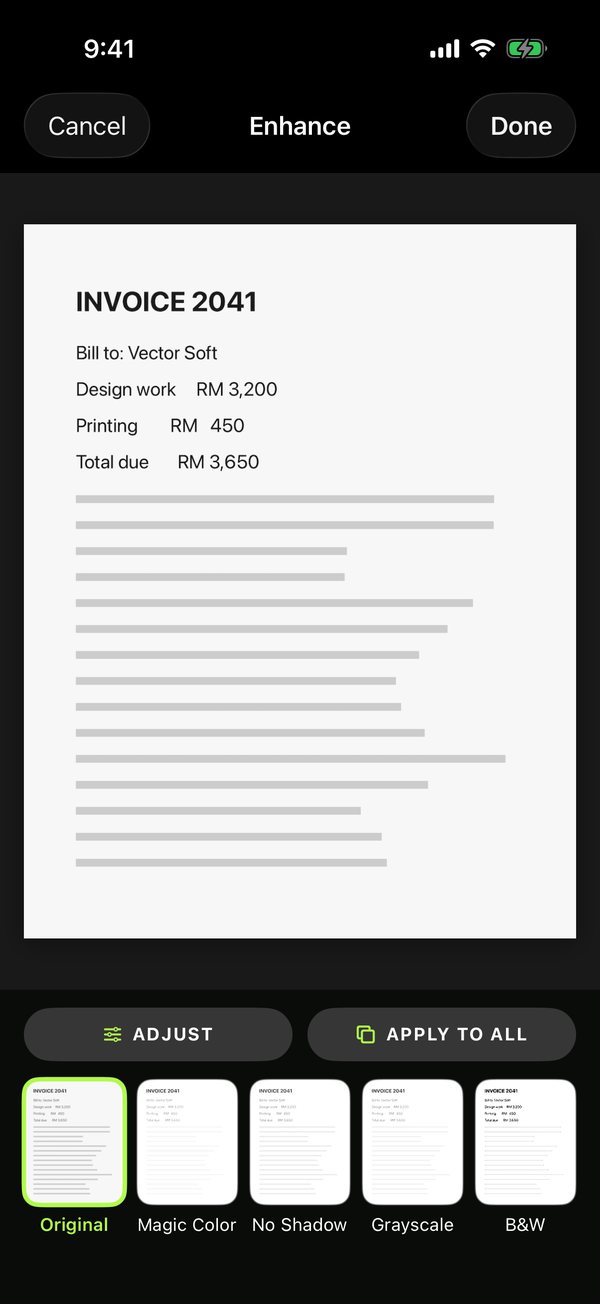
Clean it
The page is straightened to its true shape and cleaned up. Pick Original, Magic Color, No Shadow, Grayscale or B&W, and adjust brightness and contrast — for one page or every page at once.
-
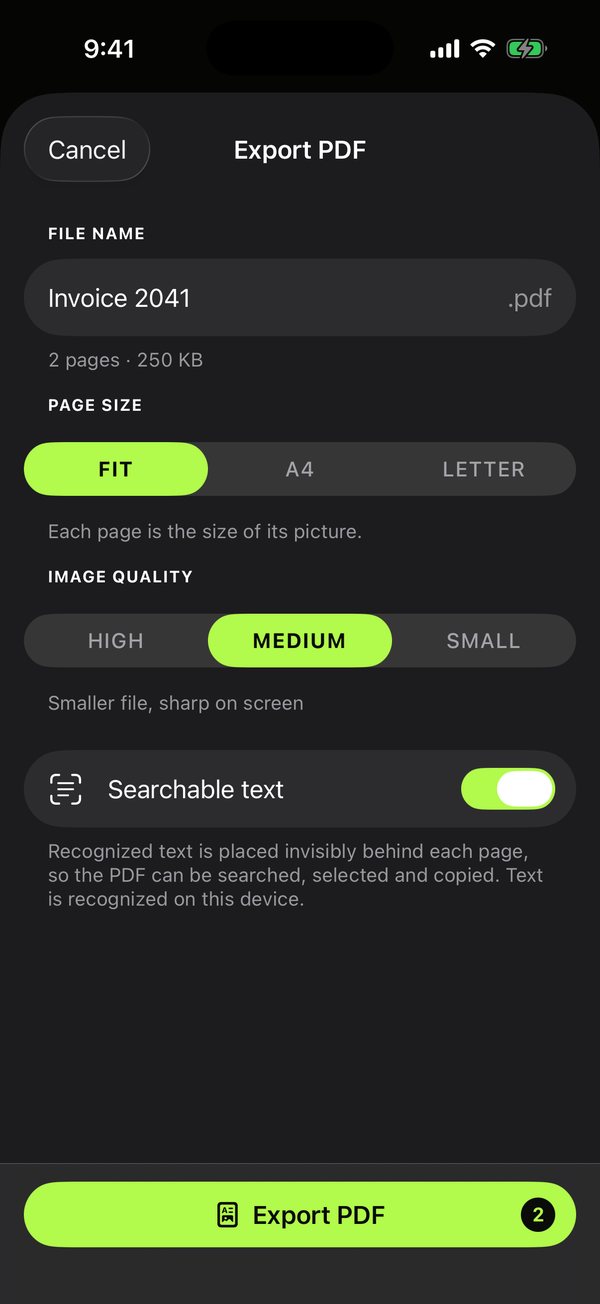
Send it
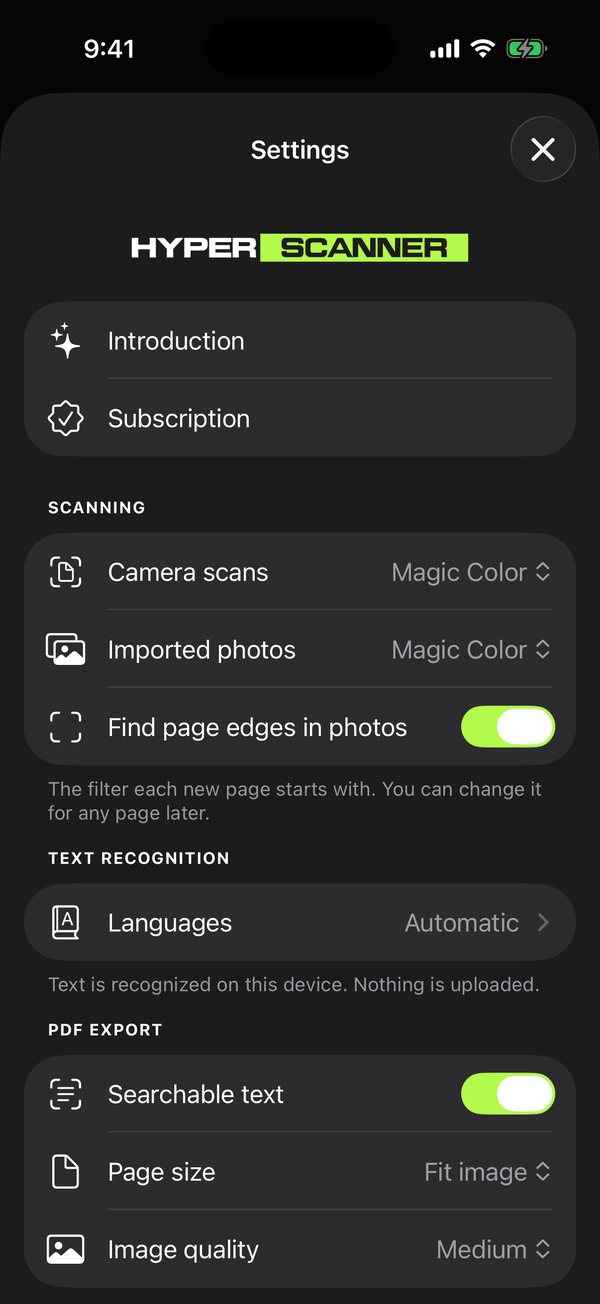
Export a PDF sized to fit, A4 or Letter, at the quality you choose, with the file size shown before you send it. Share it to Mail, Messages, Files or any app.
What it does
-
Takes the page for you
One capture per page: when you lift a page away or move to the next, it is ready again. A ring round the shutter shows the page settling.
-
True page shape
The paper's real proportions are worked out from the perspective in the photo, so an A4 sheet comes out as A4, not a stretched trapezoid.
-
Searchable PDFs
The words on each page are recognized and laid invisibly behind it, so the PDF can be searched, selected and copied in any reader.
-
Find any word
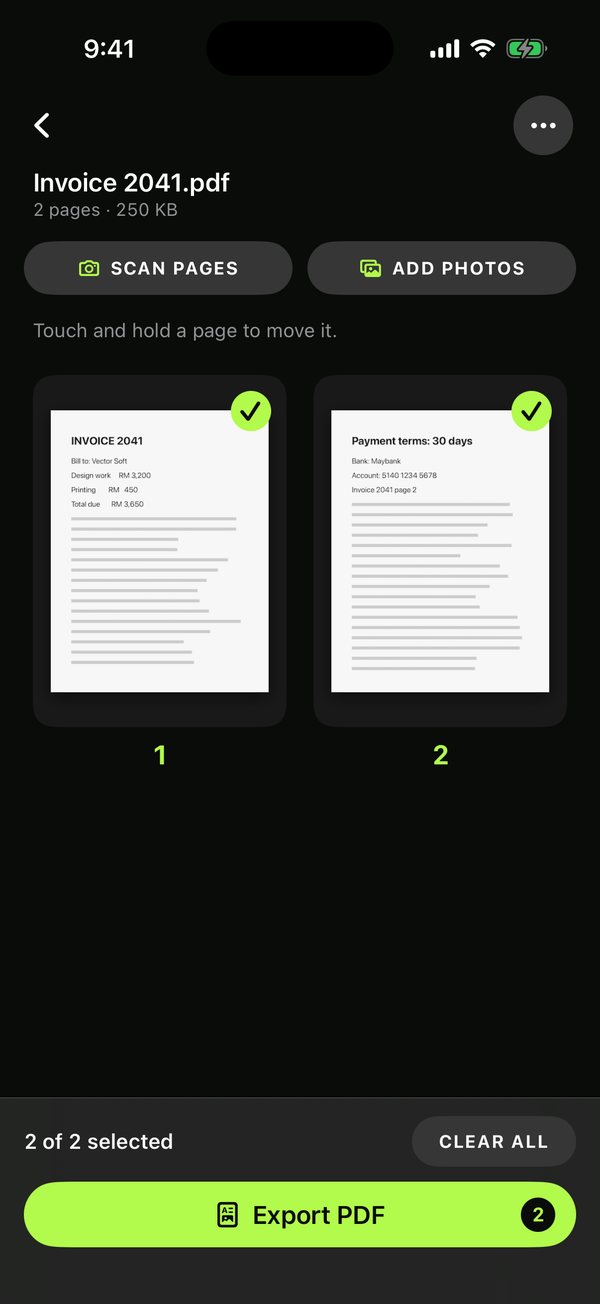
Search your library by the words inside your scans, not only by their names. It uses the same text recognition as searchable PDFs, which is on unless you turn it off.
-
Camera and photos together
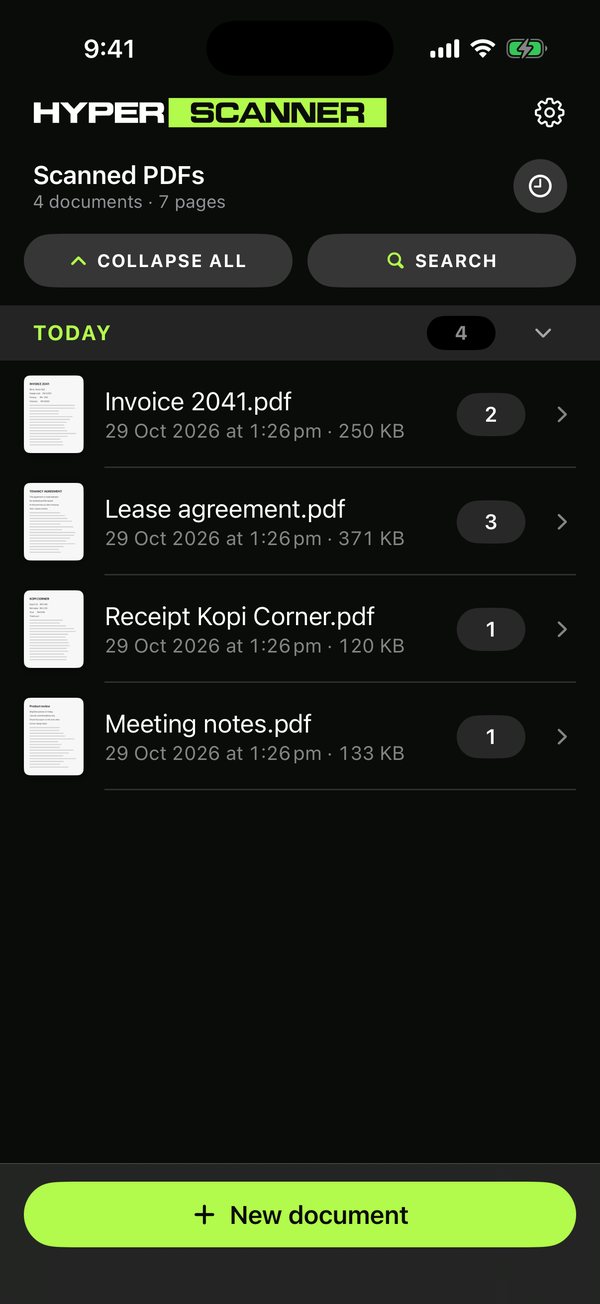
Mix pages from the camera and up to 50 photos at a time in the same document. Drag to reorder, and choose which pages go into the PDF.
-
Change it later
The original photo is kept, so any page can be re-cropped, re-filtered or rotated afterwards without losing quality.
It stays on your iPhone
There is no account, no sign-in and no upload. Finding the page, cleaning it and reading its text all happen on the device, and your scans stay in the app until you export or share them.
Nothing is collected
No analytics, no crash reporting, no advertising identifier, no third-party code. HyperScanner does not send your documents, or anything about you, anywhere.